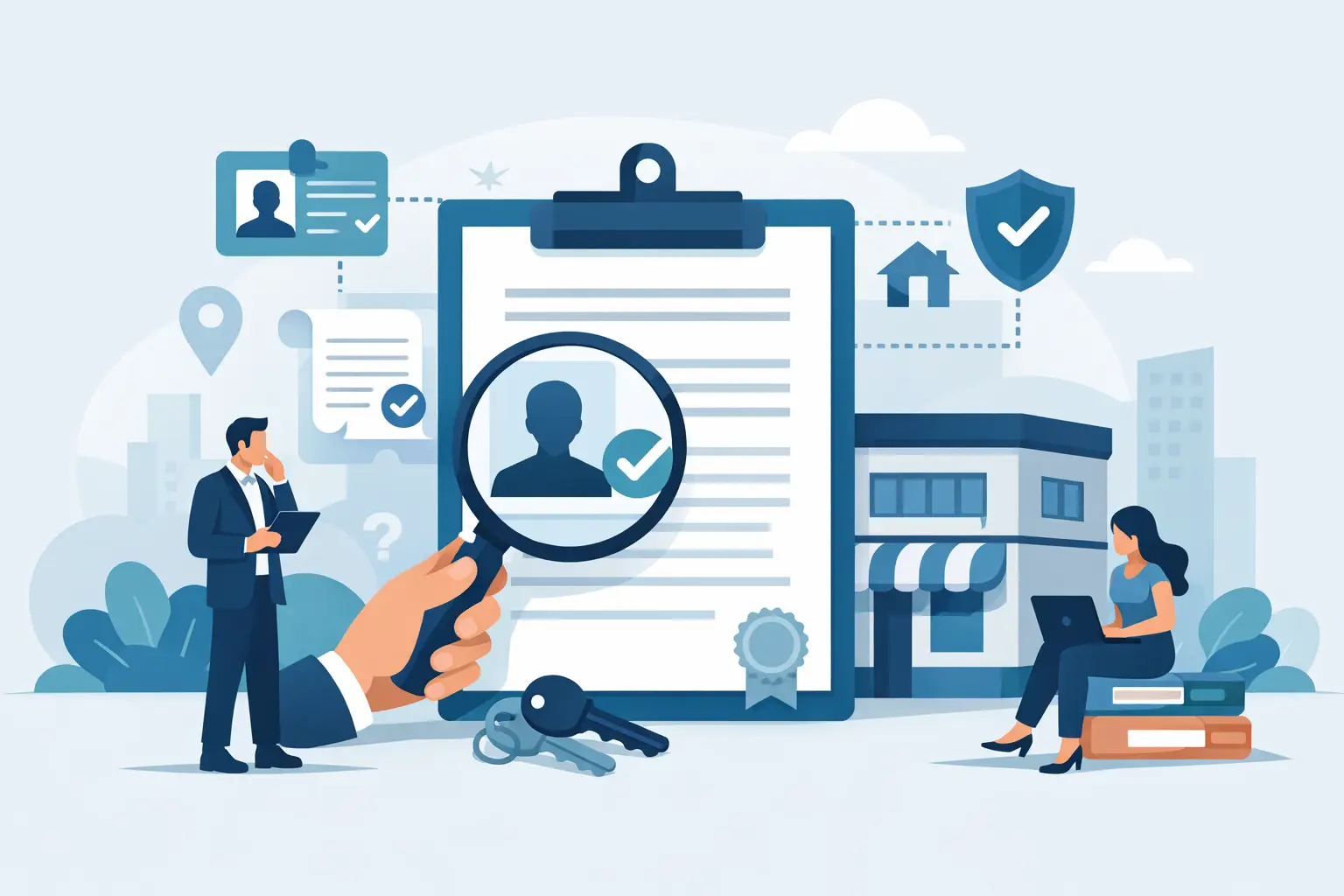
A customer searches for your bakery, repair shop, or family restaurant and finds a listing with the wrong phone number. Worse, someone else has claimed it. Knowing how to verify business ownership is what helps you take control of your online presence before inaccurate details, missed calls, or bad actors cost your business real community connections.
For independent businesses, a directory profile is more than a digital pin on a map. It is a front door. It tells neighbors where to find you, when you are open, what you offer, and why they should choose a local business over a chain. Verifying ownership protects that front door and gives you the authority to keep it true to your business.
Why business ownership verification matters
Business directories need a way to confirm that the person updating a profile truly represents the business. Without that check, anyone could change an address, replace a phone number, post misleading information, or claim a hard-earned reputation as their own.
Verification creates a fairer system for everyone. It gives genuine owners the ability to manage their listing while helping customers trust what they see. For a neighborhood business that relies on repeat customers, word of mouth, and local goodwill, that trust matters.
It also gives you control over the details that influence whether someone walks through your door. A correct category helps local shoppers discover you. Current hours prevent a wasted trip. A clear description lets your story come through. These may sound like small details, but together they make your business easier to choose.
How to verify business ownership step by step
The exact process depends on the directory or platform. Still, the goal is consistent: prove that you have a legitimate connection to the business and access to an official business communication channel.
Start with the business listing itself.
First, search for your business using its full name, city, and state. Check for duplicate listings, old addresses, misspellings, or a profile created by a former employee or previous owner. Claiming the wrong listing can create more confusion, so take a minute to confirm that the name, location, and category match your business.
If you find two profiles for the same location, do not claim both and begin making conflicting updates. Gather the details, determine which profile is most accurate, and ask the platform to merge or remove the duplicate if that option is available.
Use an official verification method.
Most platforms will ask you to verify through a method tied to the business. That may be a code sent by text message or phone call, an email sent to a business-domain address, a postcard mailed to your physical address, or a document review.
Phone and text verification are often fastest, but only work if the number on the listing is still yours. Email verification can be convenient when you use an address connected to your company website, such as [email protected]. A free personal email address may be accepted in some cases, but it may require additional proof.
Mail verification takes longer, yet it can be useful for storefronts and offices because it confirms that you have access to the stated location. If your business works from home, serves customers on the road, or operates without a public storefront, document review may be the better route.
Keep supporting records nearby.
If a platform asks for documentation, provide records that are current, readable, and consistent with the name and address on the listing. Do not send more sensitive information than the platform requests. In many cases, you can cover account numbers, tax identification numbers, or other private details that are not necessary for verification.
Helpful documents may include:
- A business license or local permit
- A state registration record or assumed-name filing
- A recent utility bill for the business address
- A lease, insurance certificate, or property tax record
- A recent bank statement or official correspondence showing the business name
Documents do not need to be fancy. They need to show a clear connection between you, the business name, and the location or contact information being verified.
Confirm that your public details match.
Ownership checks often fail because the business information is inconsistent across records. Your storefront sign may say “Maya’s Market,” while a state filing says “Maya Market LLC.” That does not always create a problem, but the relationship should be easy to understand.
Before submitting a request, compare the listing with your official documents. Look closely at the spelling of the name, suite number, street abbreviation, phone number, and website email. If you recently moved, changed names, bought the business, or changed your phone service, explain that clearly and include the most current documentation available.
Complete the claim from an account you control
Use an email address and password that you personally control or that are stored securely within your business. Avoid creating a listing under a former employee’s account, a marketing vendor’s personal login, or an email address that only one person can access.
You may work with a trusted staff member, family member, or marketing partner, but ownership should remain with the business. Add managers when a platform allows it rather than handing over the primary account. That one decision can save a great deal of stress if a relationship changes later.
At iLocal Mainstreet, claiming a profile is a practical way to make sure your local business is represented by the people who know it best: you and your team.
What to do if someone else has claimed your business
Finding that a listing is already claimed can feel unsettling, especially when the information is wrong. Stay calm and document what you see. Take screenshots of the profile, note the incorrect details, and gather your ownership records before contacting the platform’s support team.
Sometimes the claimant is not a stranger. It may be a previous owner, a former manager, a web designer, or an employee who created the profile years ago. If you can reach them, a respectful request to transfer access may be the fastest solution; if you cannot, use the platform’s dispute or ownership-transfer process and provide the requested evidence.
Be specific in your request. State that you are the current owner or authorized representative, identify the listing, and explain why the existing claim is inaccurate or no longer valid. Keep copies of your communications. Verification teams can usually help, but clear records make their job easier.
Special situations that need extra care
A change in ownership is one of the most common reasons a listing becomes difficult to manage. If you bought an established shop, retain the previous business records, purchase agreement, or updated license that shows the transition. Customers may still search for the familiar business name, so preserving an accurate profile can protect the goodwill you purchased.
Franchises, multi-location businesses, and businesses with several partners may need a different approach. The person who verifies the profile should have authority to represent that specific location. A corporate office may control brand materials, while a local owner manages hours, events, and customer contact details. Make sure responsibilities are clear before claiming the listing.
For mobile businesses, pop-ups, and home-based service providers, be honest about your service area and address preferences. Do not use an address where you do not operate to appear in another neighborhood’s search results. Local visibility works best when it is rooted in accurate information.
Protect your verified profile after the claim.
Verification is not a one-time chore to forget about. Review your profile whenever something changes: new hours, a seasonal closure, a new service, a move, a new phone number, or a new owner. A five-minute update can prevent customers from arriving at a locked door or calling a disconnected line.
Turn on two-factor authentication when it is available, use a unique password, and limit account access to people who genuinely need it. If an employee leaves, remove their access promptly. These basic habits protect the reputation you have built one customer interaction at a time.
Most of all, treat your profile as part of your place in the neighborhood. Your business has a story, and the information people find online should lead them to the real thing: your counter, your craft, your service, and the people behind it. Claim it carefully, keep it current, and let local customers find a business worth coming back to.