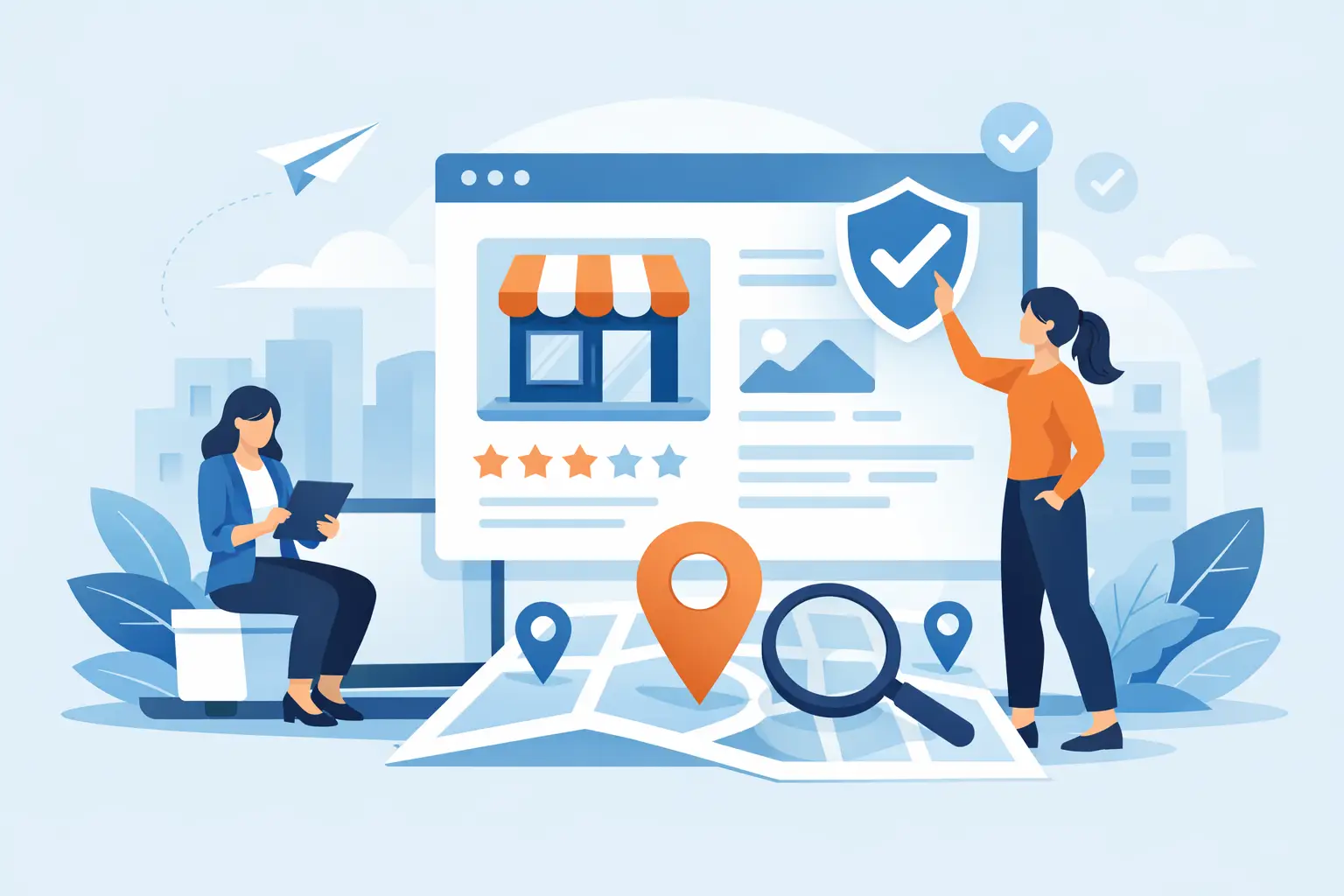
A customer searches for your shop, café, or service online and finds a listing with the wrong hours, an old phone number, or no real sense of who you are. That small gap can cost you a sale. Knowing how to claim a business listing is one of the simplest ways to protect your visibility and ensure local customers find the real business behind the name.
For independent businesses, this matters even more. Big chains already have brand recognition and marketing budgets. Local businesses win by being findable, trustworthy, and clearly rooted in the neighborhood they serve. A claimed listing helps you show up with accuracy, confidence, and a story customers can connect with.
What it means to claim a business listing
Claiming a business listing means proving that you own or manage a business profile that already exists on a directory or local platform. Once verified, you can usually control the information customers see, including your business name, address, phone number, website, hours, categories, photos, and business description.
In many cases, a listing exists before you ever touch it. Public data, customer suggestions, or directory research can automatically create a profile. That is helpful for visibility, but it also means details may be incomplete or outdated. Claiming the listing turns it from a passive mention into an active marketing asset.
That distinction matters. An unclaimed profile can still appear in search, but it does not work very hard for you. A claim can reflect your brand, your service area, your current hours, and the small details that help a neighbor choose your business over a generic alternative.
How to claim a business listing step by step
The process is usually straightforward, even if you are not especially tech-savvy. Most platforms follow the same basic pattern.
First, search for your business in the directory. Use your exact business name, plus your city or ZIP code if needed. Before creating anything new, make sure a profile does not already exist. Duplicate listings can confuse customers and weaken trust.
If you find your listing, look for a blue button labeled “Claim Listing.” If you’re not on iLocal Mainstreet, you might see “own this business,” “manage this listing,” or something similar. That is the handoff point where the directory invites you to verify ownership.
Next, create an account or log in. The platform will typically ask for basic contact details and may require a business email or phone number connected to the company. If more than one person helps manage your marketing, choose an account that will remain accessible over time, not a login tied to a former employee or temporary contractor.
Then comes verification. This is the part that proves you are the rightful owner or authorized manager. Depending on the platform, verification may happen by phone, text, email, postcard, or manual review. Some businesses are verified quickly. Others take longer, especially if the listing data is inconsistent or the business operates in a service area rather than a storefront.
Once verified, review every visible field before you move on. Owners often claim a listing and stop there, but the real value comes from improving it. Add complete contact information, accurate hours, service details, categories, and strong photos. Write a clear description in plain language. Tell people what you do, who you serve, and what makes your place worth the trip.
The details that matter most after you claim it
Not every field carries the same weight. If you only have a few minutes, focus first on accuracy.
Your logo is one of the first visual cues that tells someone they’ve found the right business. On iLocal Mainstreet, you can add your logo for free. A business logo will show up in search results next to your business name. It’s a small image with an outsized effect on brand recognition.
When a customer sees your logo in search results, it reinforces that your business is established and professional—two qualities that matter enormously when someone is deciding who to trust.
Your business name, address, and phone number should match the way you present your business elsewhere. Consistency helps customers trust what they see, and it reduces confusion across search platforms. If you have moved locations, changed phone providers, or updated your hours seasonally, this is where those corrections matter.
Categories are another small choice with a big effect. If you choose a category that is too broad, you may show up for less relevant searches. If you choose one that is too narrow, you may miss customers who are looking for what you do in more general terms. A neighborhood bakery that also serves coffee, for example, may need to think carefully about whether customers are more likely to search for bakery, café, breakfast spot, or some combination.
Photos do more than decorate a page. They reassure people that your business is active, welcoming, and real. A simple set of current images of your storefront, products, interior, team, or completed work can make a listing feel alive. For local businesses, that sense of place matters. People are not just buying a product. They are choosing a business they want in their community.
Common problems when claiming a listing
Sometimes the process is easy. Sometimes it gets messy.
One common issue is duplicate listings. You may find two versions of your business with slightly different names, addresses, or phone numbers. That often happens after a move, a rebrand, or inconsistent data from other sources. In that case, claim the correct listing if possible, then request that duplicates be removed or merged according to the platform’s process.
Another issue is verification trouble. If the code never arrives or the contact information on the listing is old, you may need to update supporting details or contact the platform’s support team. Be ready with proof that you manage the business, such as utility records, business licenses, or a domain-based email address.
There is also the ownership dispute problem. Sometimes a former employee, agency, or business partner already controls the listing. If that happens, do not create a new profile right away unless the platform explicitly instructs you to. It is usually better to work through the ownership recovery process. A duplicate may create more confusion and take longer to clean up.
Why local businesses should not put this off
If you run an independent business, your listing is not just an online card. It is often the first impression a new customer gets before they ever visit, call, or ask for directions.
A claimed listing helps you compete where it counts. It tells searchers that your business is active and reachable. It helps customers know whether you are open, what you offer, and why your business belongs on their shortlist. For a local service provider, that may mean more calls. For a boutique or restaurant, it may mean more foot traffic. For any neighborhood business, it helps turn attention into trust.
There is also a bigger piece here. Every time a local business is easier to find, the neighborhood gets stronger. When residents can easily find independent businesses, they are more likely to spend locally rather than defaulting to the nearest chain. Visibility is not vanity. For small businesses, it is part of staying in the conversation.
That is one reason local-first platforms like iLocal Mainstreet matter. They give independent businesses a place to be found without getting buried under national brands that already dominate so many search results.
How to tell if your listing is actually working
After you claim and update your profile, pay attention to what changes. You do not need a complex reporting system to notice the basics.
Watch for an increase in calls, direction requests, website visits, or in-store mentions from customers who say they found you online. Check whether people are asking fewer confusing questions about your hours, location, or services. If those routine misunderstandings go down, your listing is already doing useful work.
You should also revisit the profile regularly. Holiday hours change. Photos age. Services expand. Menus shift. The best listings are not just claimed once and forgotten. They stay current because your business is active, and your online presence should reflect that.
A few smart habits to keep your listing strong
Once your listing is under your control, treat it like a storefront window. Clean, current, and inviting beats complicated every time.
Set a reminder to review your profile at least once every few months. Update it sooner if you change hours, move, launch a new service, or refresh your branding. Encourage happy customers to engage with your business where appropriate, and make sure someone on your team is responsible for keeping key details accurate.
If you are listed on more than one platform, keep your core business information aligned across all of them. You do not need every profile to say the exact same thing word for word, but the facts should match. When they do, customers feel more confident that they have found the right business.
Claiming your listing will not solve every marketing challenge. It will not replace word of mouth, great service, or a strong local reputation. But it gives those strengths a place to show up online, where so many buying decisions begin. Your place has a story. Make sure the listing people find actually tells it.